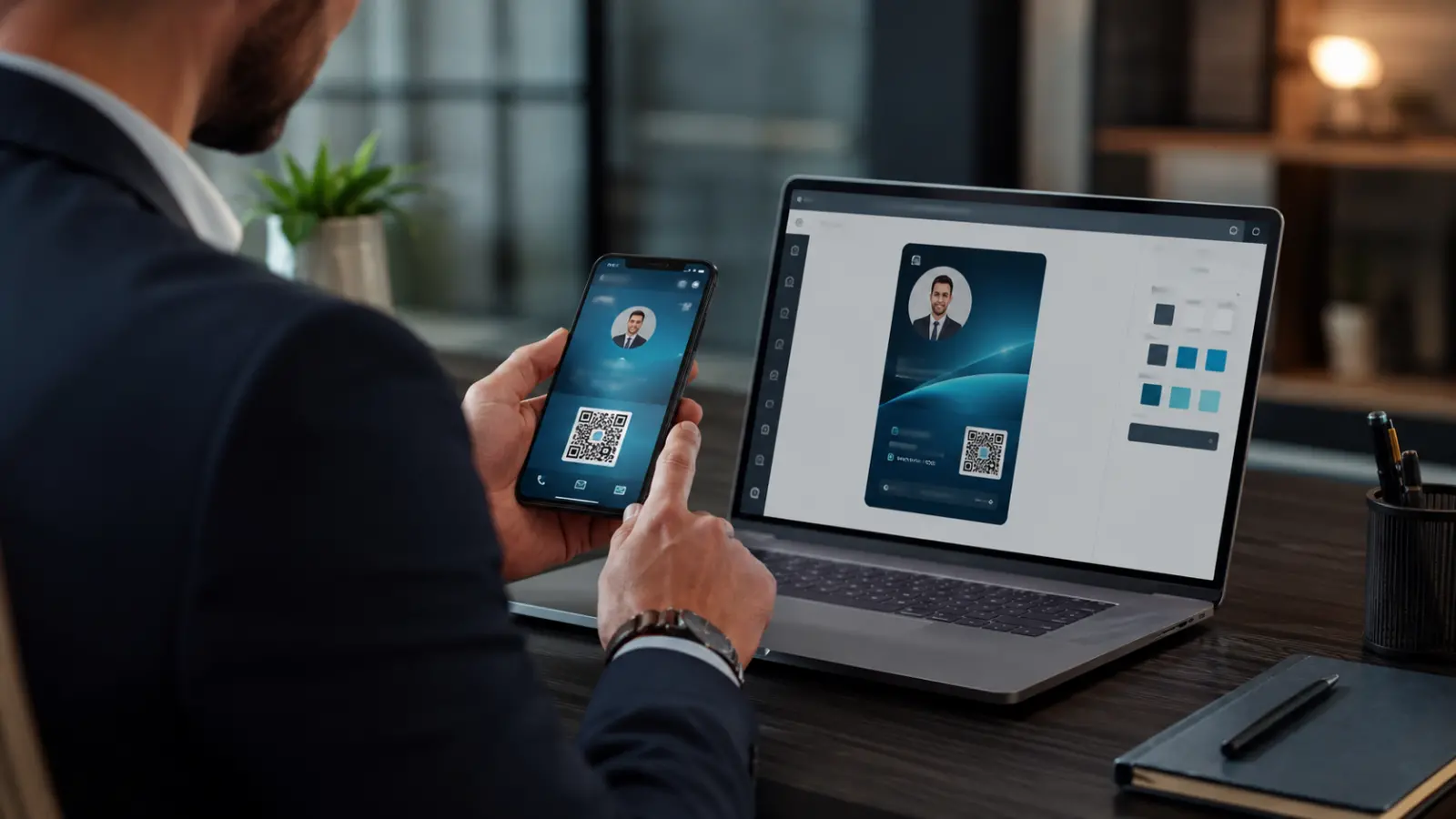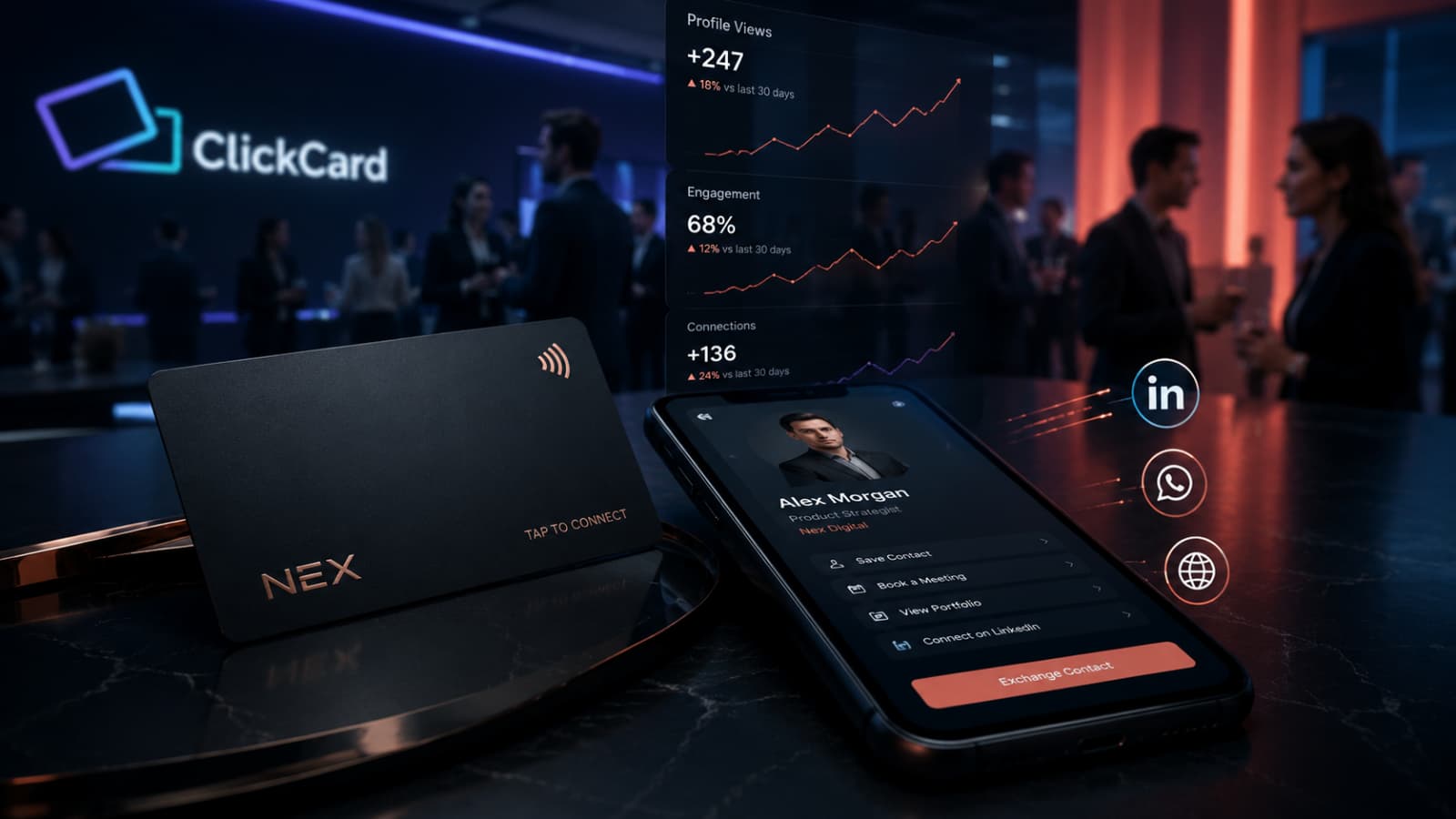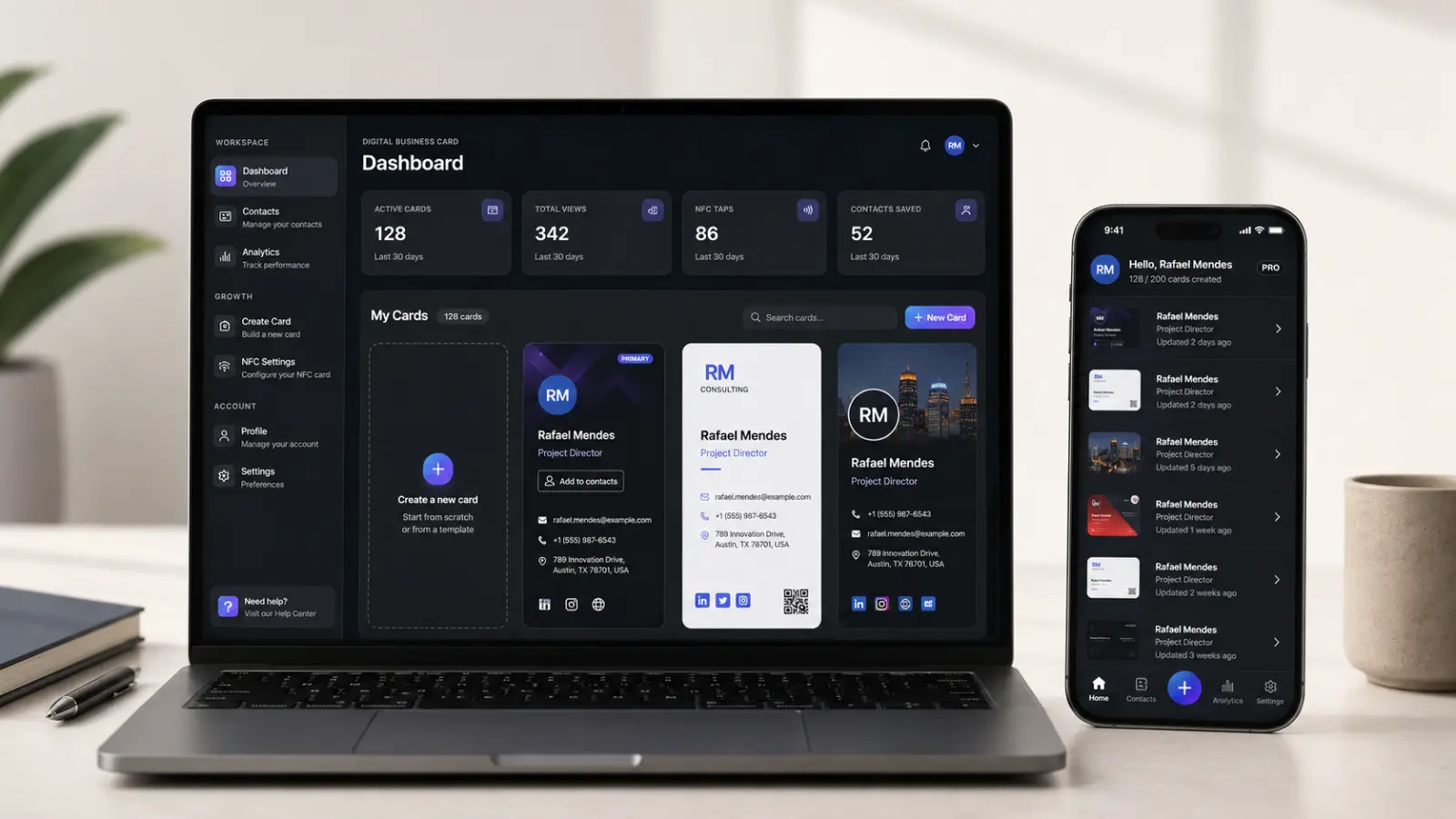
Since 2018, creating a ClickCard meant one thing: opening the app. That changes today. The ClickCard web app is live, and you can now create a digital business card right in your browser, on any computer or phone, with nothing to install.
And because it is one platform with one account, everything stays in sync. Build your card in the browser and share it from your phone at tomorrow's meeting. Edit your job title in the app on the subway, and every QR code and link you have already handed out shows the new version instantly.
Why a web version?
More than 200,000 professionals across 50+ countries use ClickCard, and one pattern kept showing up in the feedback: the card gets shared from a phone, but it almost always gets built at a desk. Marketing teams tuning brand colors, sales leaders setting up cards for an entire team, consultants refining their profile between meetings. That work wants a big screen and a keyboard.

There was also a quieter group we heard from often: people who simply prefer not to install one more app before knowing whether the product is worth it. Fair enough. Now you don't have to. Sign up at clickcard.me and your first card can be live in about five minutes: no app store, no download, no credit card.
What you can do in the browser

The web app covers the full lifecycle of your card:
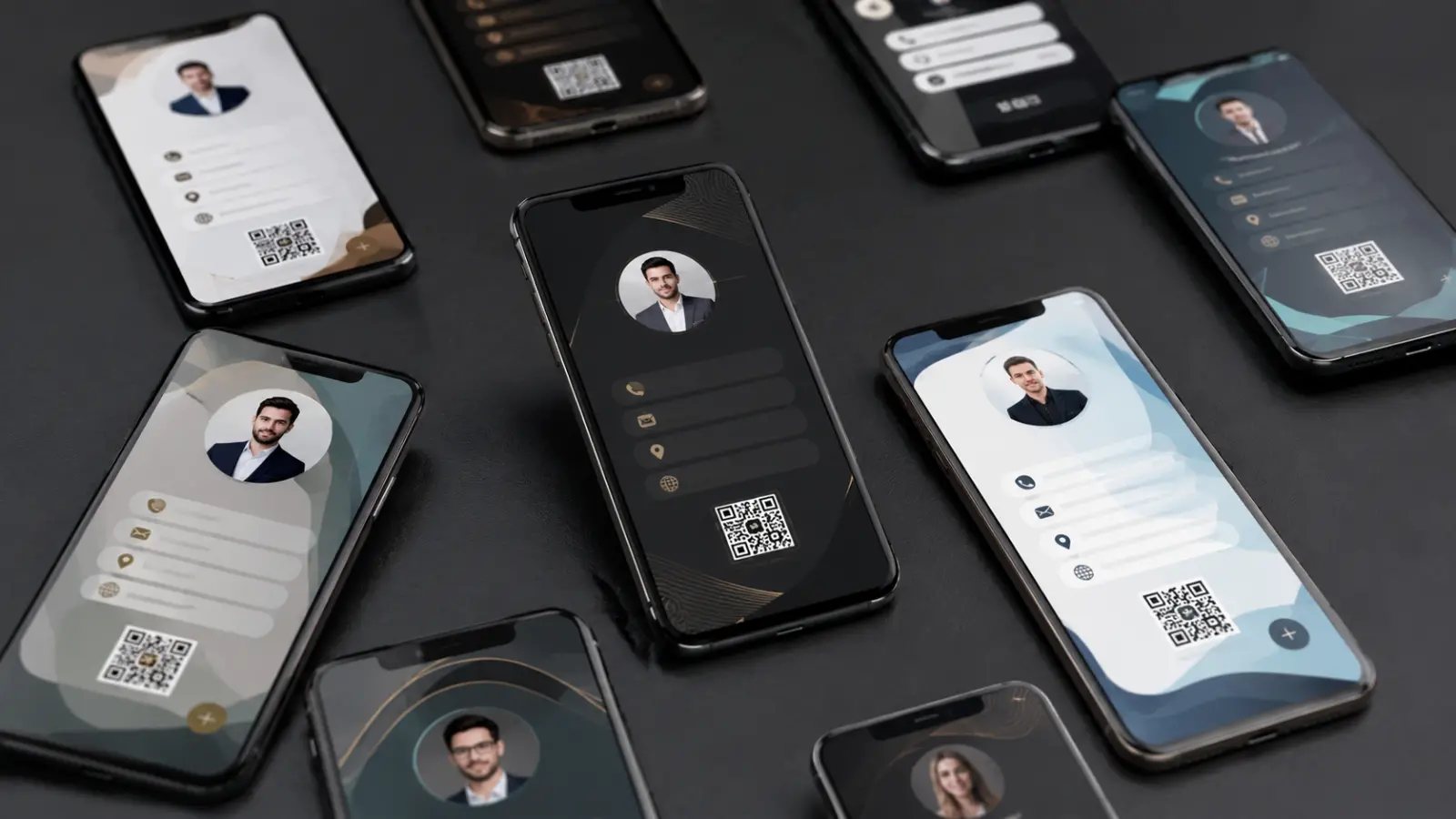
Create your card: choose from 137+ professional templates or apply your company's own design, then add your details, photo, links, and social profiles.
Edit it anytime: changes take effect immediately across every QR code and link you have already shared.
Share from anywhere: your personal link and QR code work straight from the browser, and whoever receives your card needs no app and no account either.
Manage your account: plans, profile, and settings all in one place.
If this is your first time building one, the detailed walkthrough is in how to create a digital business card in 5 minutes.
Browser or app: which to use when
Both versions share the same account and the same cards. The difference is what each one does best:
| Task | Browser (clickcard.me) | iOS and Android app |
|---|---|---|
| Create and edit your card | Yes, with a big screen and keyboard | Yes |
| Choose from 137+ templates | Yes | Yes |
| Share by link and QR code | Yes | Yes |
| Share by tap (NFC) | No | App only |
| Card in Apple and Google Wallet | No | App only |
| AI-powered paper card scanner | No | App only |
| Manage plan and settings | Yes | Yes |
| Installation required | None | Store download |
In practice: use the browser to build and maintain your card, and the app for in-person networking. To understand the two ways of sharing in more depth, read NFC vs QR code business cards.
One account, everywhere
The web app and the iOS and Android apps share one account and one source of truth. There is nothing to export, import, or keep aligned. Your cards are simply there, wherever you sign in. Start in the browser and install the app later, or keep using the app day to day and switch to the web when a larger screen helps. Both paths just work.
The same holds for what you share. Your card's personal link and QR code do not change when you switch devices, so anything already printed on a badge, sitting in an email signature, or posted on a social media profile keeps pointing at the latest version of your card.
What the mobile app still does better

The web version does not replace the app; it completes it. In-person networking is still the app's territory: tap-to-share (NFC), cards in Apple and Google Wallet, and the AI scanner that turns the paper cards you receive into a searchable contact list. The app holds a 4.7-star rating on Google Play, and everything it captures syncs back to the web automatically.
How to create your digital business card in the browser
Go to clickcard.me/signup and create your free account with email or a social login.
Pick one of the 137+ templates and add your name, title, company, photo, contact details, and links.
Share your QR code or personal link, from the browser or from the app if you install it later.
The Basic plan is free forever. When you need more, Premium adds analytics, advanced customization, and removes ClickCard branding; Enterprise brings centralized team management, SSO, and custom-designed cards for the whole company.
Frequently asked questions
Do I need to install the app to create a digital business card?
No. Since the web app launched, you can create, edit, and share your card entirely in the browser at clickcard.me. The iOS and Android apps are still available, but they are optional.
Is the ClickCard web app free?
Yes. The Basic plan is free forever and includes all 137+ templates plus unlimited sharing by QR code and personal link. No credit card is required to start.
Does a card I create in the browser show up in the app?
Yes. It is the same account and the same database. Any change made on the web appears in the app, and the other way around, with nothing to export or import.
Does the person receiving my card need to install anything?
No. Your card opens in their browser from a link or QR code, with no app and no account.
Can I share by NFC from the browser?
No. Tap-to-share depends on phone hardware and remains exclusive to the iOS and Android apps, as do cards in Apple and Google Wallet and the AI paper card scanner.
Does it work on any computer?
Yes. The web app runs in modern browsers on Windows, macOS, Linux, and ChromeOS, and in your phone or tablet browser too. There is no installation and no system requirement.
The handshake became software in 2018. Today that software runs everywhere. Create your card free. All you need is a browser.

Enjoyed this article? Follow us on Google