How to Create a Digital Business Card in 5 Minutes
Learn how to create a digital business card for free in about five minutes: choose a template, add your details, and share it via QR code, NFC, link, or wallet.
Get the latest articles, tips, and insights delivered directly to your inbox.
No spam, unsubscribe at any time.
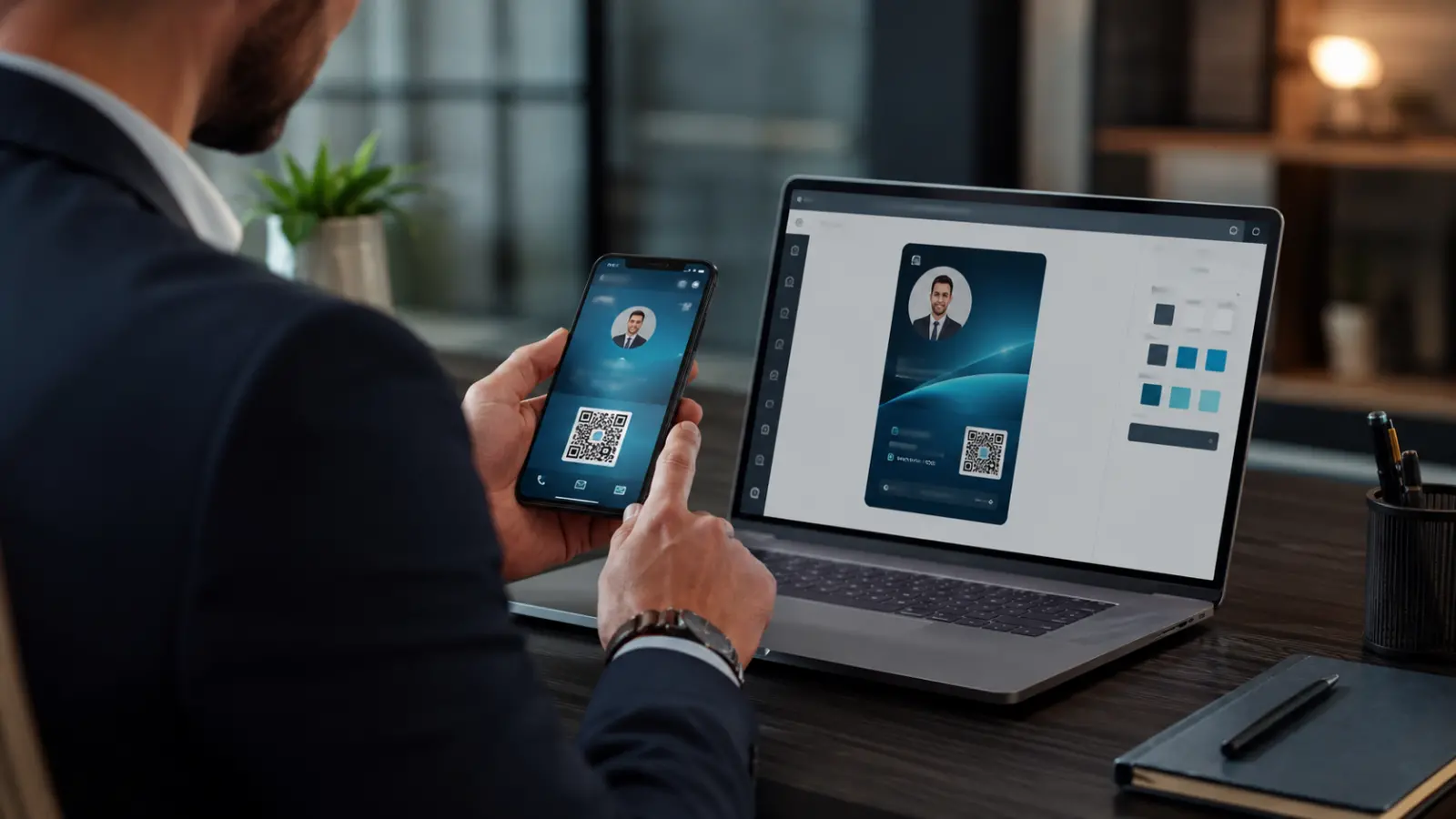
Creating a digital business card takes about five minutes, costs nothing, and instantly solves the three classic problems of paper: running out of cards, outdated information, and having no idea whether anyone ever looked at it. This guide walks through the whole process step by step — what to prepare, what to include, how to share it, and the mistakes that make an otherwise good card underperform.
If you first want to understand what a digital card is and how QR, NFC, and wallet sharing differ, read our complete digital business card guide. If you're ready to build one, let's go.
What you need before you start
Two minutes of preparation makes the card dramatically better. Gather:
A good photo or your company logo. Cards with a face or recognizable brand get saved more often — people remember who they met.
Your details, written exactly as you want them displayed: name, title, company, phone, email.
The 3–5 links that matter: website, LinkedIn, portfolio, booking calendar, WhatsApp. Resist the urge to add all twelve of your profiles — more on that below.
Your brand colors, if you have them (a hex code is ideal).
Step 1 — Choose an app and create your account
You can build a digital card with several platforms; this walkthrough uses ClickCard, which is free for a complete card on iOS and Android. The signup takes under a minute — email or social login. If you're comparing platforms first, our honest roundup of the 8 best digital business card apps covers the alternatives.
Step 2 — Pick a template and apply your brand
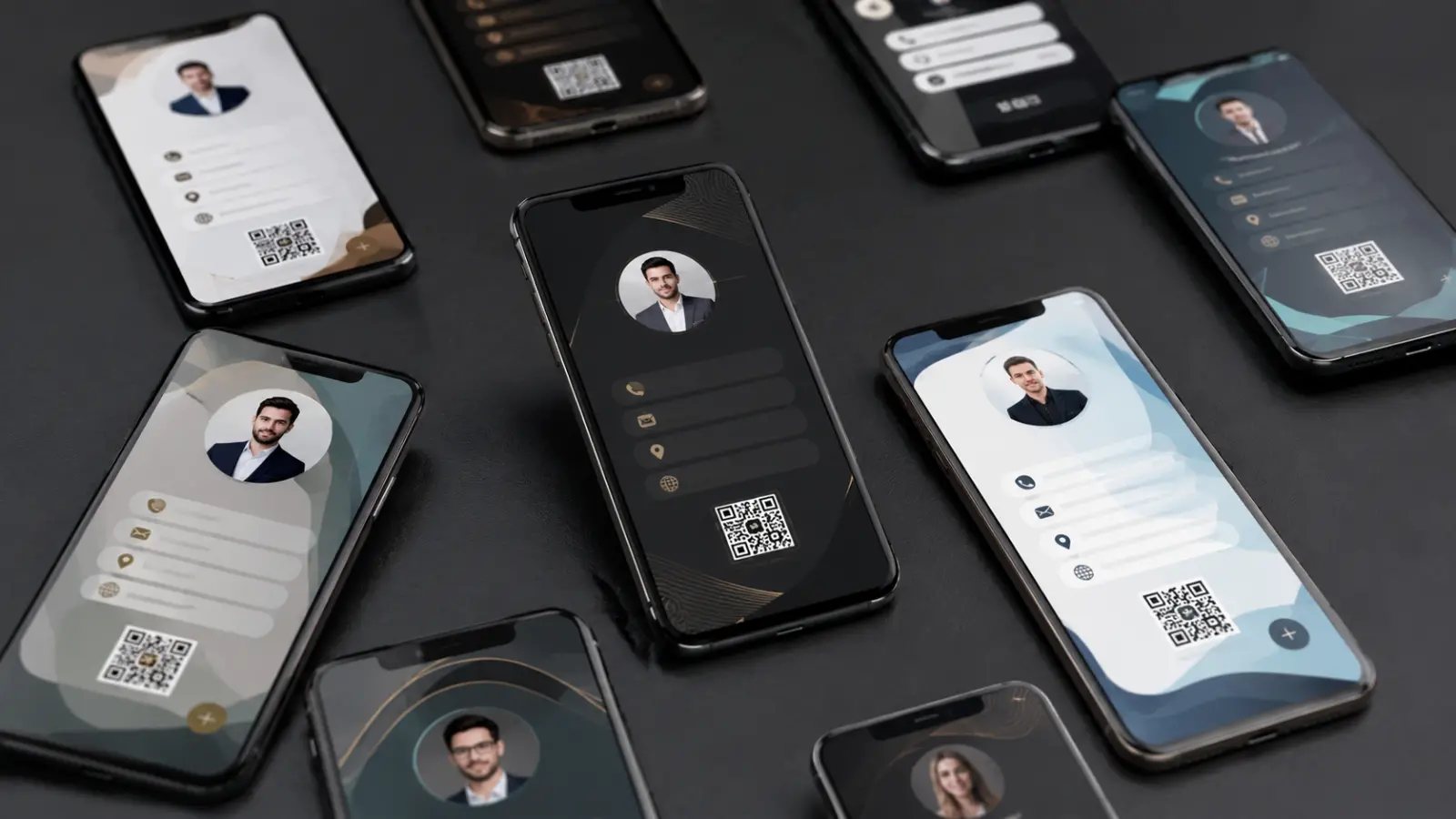
Start from a professionally designed template rather than a blank canvas. Then make exactly three branding decisions:
Primary color — your brand color, or one that contrasts well with white text.
Photo or logo — a clear headshot for individuals; a logo for company cards.
Layout — lead with what you want remembered: your face, your brand, or your title.
A useful rule: your digital card should look like it belongs to the same brand as your website and LinkedIn profile. Consistency reads as professionalism.
Step 3 — Add your information (the right amount of it)
Fill in your name, title, company, phone, and email first — that's the core a recipient's phone needs to create a proper contact entry. Then add links in order of usefulness to the person receiving the card:
The one action you most want people to take (book a call, see the portfolio, WhatsApp you).
LinkedIn — the most-tapped link on most professional cards.
Website or portfolio.
One or two social profiles that are actually professional and active.
What to leave out: dormant social accounts, your full street address (city is enough for most professionals), and any link you wouldn't want a new client tapping. Every extra link dilutes the ones that matter.
Step 4 — Test it like a recipient
Before sharing your card at an event, run the 60-second test most people skip:
Open your QR code and scan it with another phone (or a colleague's). Does the card load fast? Does the photo look sharp?
Tap "save contact" and check how the entry appears in the address book — this is what your new contact will see forever.
Tap every link. A broken portfolio link on a business card is worse than no link.
Step 5 — Share it everywhere
Your card is live. Now put it where networking actually happens:
QR code — the universal method. Show it on screen at events; anyone's camera can scan it. No app needed on their side.
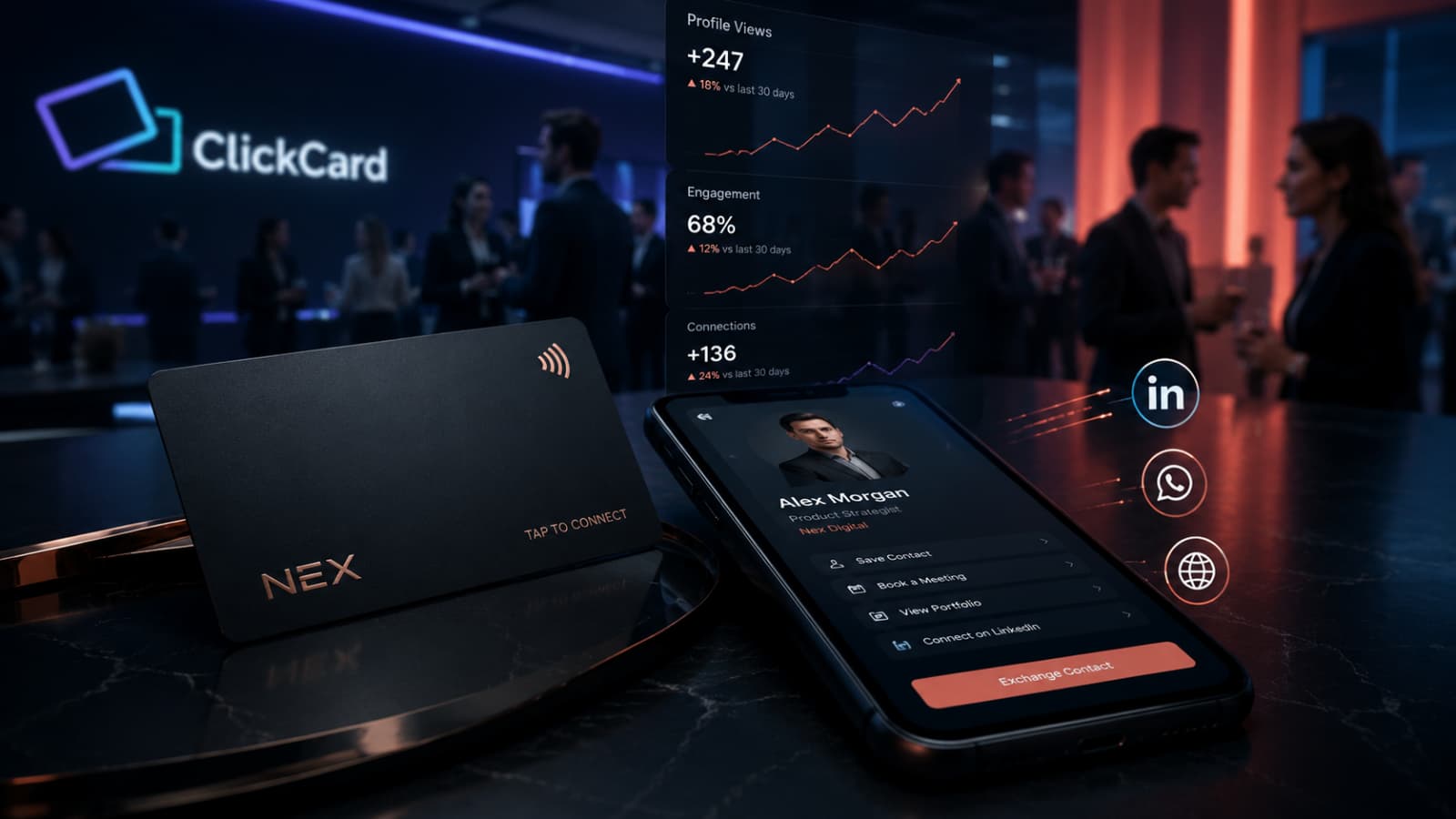
NFC card — optional physical card; tap it on a phone and your profile opens. Faster and more memorable in person. (Premium plans include one — see pricing.)
Link — paste your unique URL into your email signature, LinkedIn bio, WhatsApp messages, and video-call chats.
Apple/Google Wallet — save the card to your wallet so it's available from the lock screen, even offline at a conference.
Email signature — the quiet workhorse: every email you send becomes a card exchange.
7 mistakes that weaken a digital business card
No photo or logo. Anonymous cards get forgotten and deleted.
Too many links. Twelve options means none get tapped. Pick five or fewer.
No call to action. Decide the one thing you want a new contact to do, and put it first.
Letting it go stale. The whole point is that it updates instantly — so update it when your title, phone, or company changes.
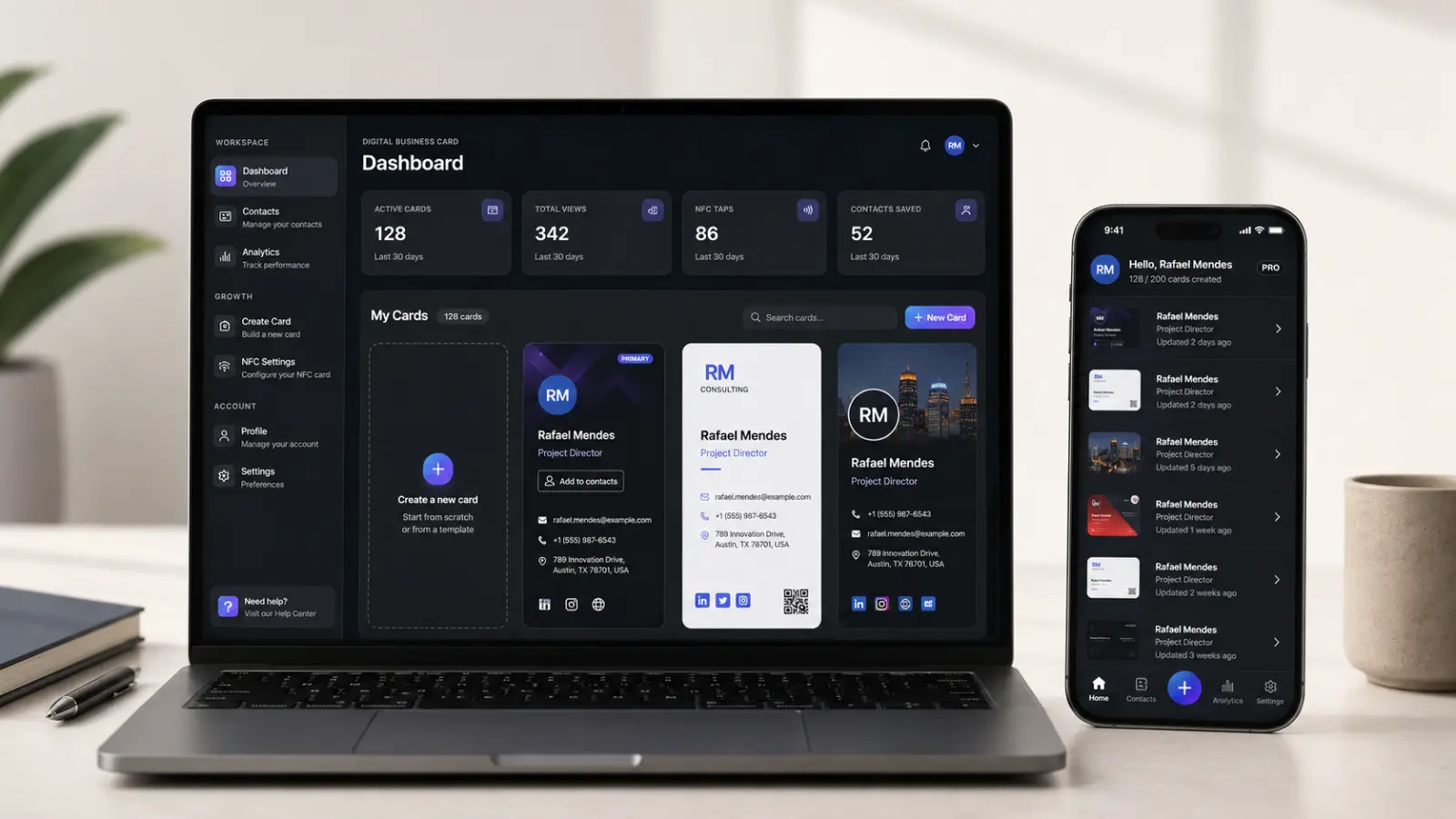
Ignoring the analytics. Views and link clicks tell you which contacts are warm. That's follow-up gold most people never look at.
Only sharing in person. The signature, bio, and proposal-footer placements often generate more contacts than events do.
Treating it as a one-way broadcast. Use two-way exchange so you capture the other person's details too — a card that only sends is half a tool.
FAQ
How much does it cost to create a digital business card?
Nothing for a complete card. ClickCard's free plan includes the card, QR sharing, and unlimited exchanges. Paid plans (from $3.99/month billed annually) add analytics, wallet passes, team management, and a physical NFC card — see the plans page for details.
Do I need design skills?
No. Templates handle layout and typography; you make three choices (color, photo, link order) and the result looks professionally designed.
Does the other person need an app to receive my card?
No. Your card opens in their web browser when they scan your QR code or tap your NFC card, and they can save your contact directly to their phone.
Can I make a digital business card for my whole company?
Yes. Team plans let you issue branded cards to every employee from one dashboard, keep titles and numbers consistent, and see team-level networking analytics. Larger organizations can get custom-designed cards within 48 hours — enterprise details here.
What's better: QR code or NFC?
Use both. QR works with every smartphone camera and costs nothing; NFC is faster and more memorable in person. The QR code is the default; the NFC card is the upgrade. Our complete guide compares all the sharing methods in detail.
Your card is five minutes away
The hardest part of switching to a digital business card is deciding to do it — the actual creation is the easy bit. Download ClickCard free, follow the five steps above, and the next person you meet gets a card that never runs out, never goes stale, and tells you when it's been read. For the cost comparison with paper, see digital vs. paper business cards.