Step-by-step: How to register a new application in Azure
Discover how to easily register your new application on Azure. Our simplified step-by-step guide will help you get started quickly.


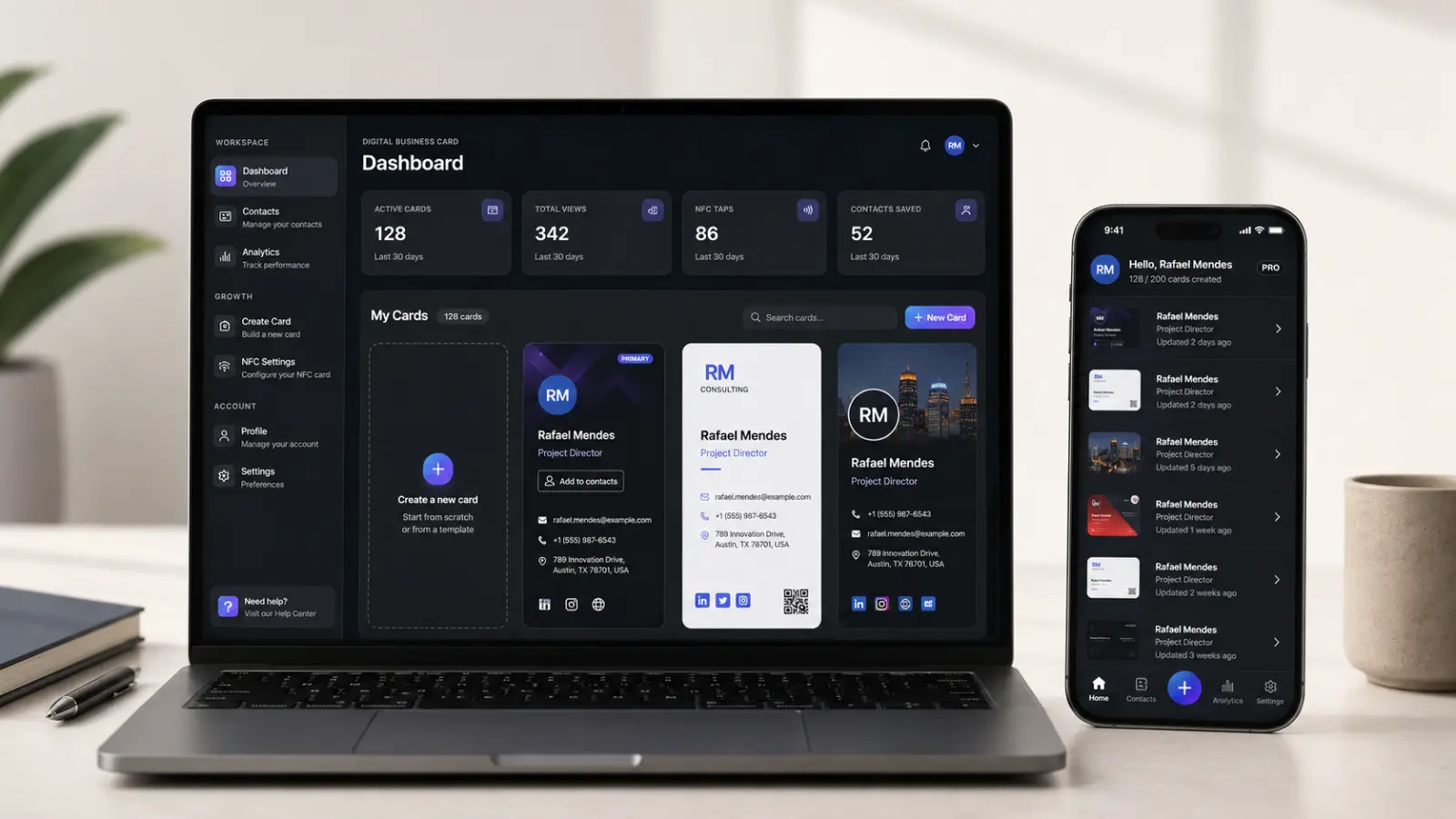
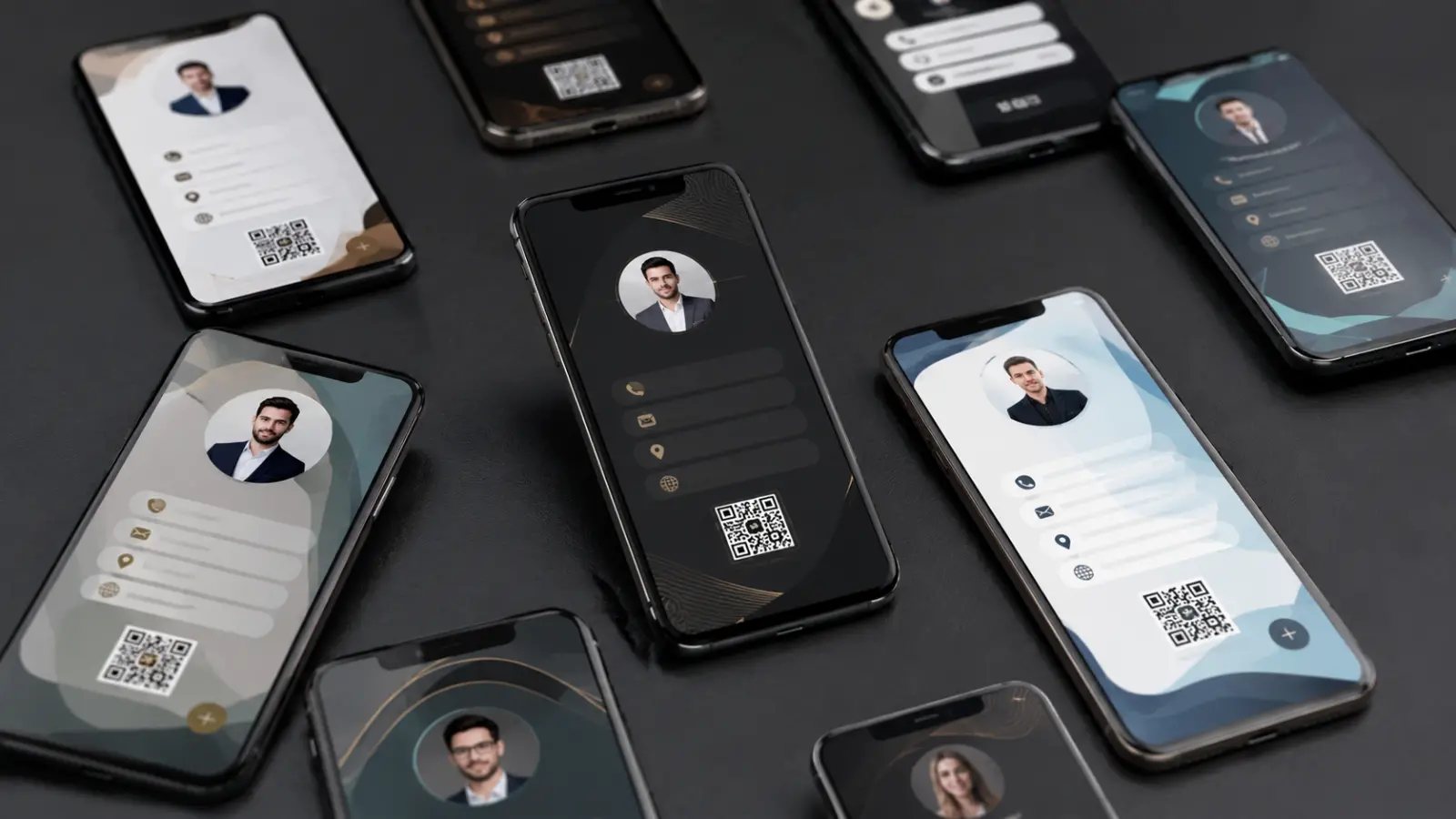
In the digital era, having an impactful and easily shareable business card is essential for the success of any business. It is in this context that ClickCard stands out, offering an innovative app for creating digital business cards for companies.
With ClickCard, companies have the option to create their own digital business cards in the app (Android and iOS) or rely on the ClickCard creative team to develop them.
However, in order for contact information to be stored and managed efficiently, ClickCard uses the Azure application, a powerful cloud platform from Microsoft.
Although using Azure brings numerous advantages, some users may encounter difficulties when registering a new application on this platform, especially those less familiar with its features.
With that in mind, we have prepared this blog post to help ClickCard users and other interested parties overcome these obstacles. Our goal is to provide a clear and detailed step-by-step guide that will simplify the process of registering a new application in Azure, allowing you to make the most of the resources offered by this robust platform.
By following the step-by-step guide we will present, you will be able to easily register your application in Azure, ensuring that all your company's contact information is stored securely and accessible whenever needed. We are here to help you reach the full potential of the ClickCard app, taking advantage of all the benefits of Azure.
Continue reading this blog post to discover how to register a new application in Azure in just a few simple steps. We will make the process easier for you, eliminating any uncertainty or confusion along the way.
Are you ready to dive into this step-by-step guide? Then let's go!
What is Azure and why use it
Azure is a cloud platform provided by Microsoft that offers a reliable and flexible infrastructure to meet application hosting and management needs.
It encompasses a wide variety of services, such as computing, storage, databases, data analytics, artificial intelligence, Internet of Things (IoT), and much more.
With Azure, companies can rely on a complete solution for their IT demands, allowing them to focus on their core activities and innovation.
Benefits of Azure:
Scalability: One of the main advantages of Azure is its ability to scale resources according to demand. You can dynamically adjust computing, storage, and network capacity, ensuring that your application has sufficient resources to handle high traffic volumes or seasonal peaks.
Advanced security: Azure offers robust security features, protecting your data and applications against cyber threats. The platform adopts comprehensive security measures, such as data encryption at rest and in transit, identity and access management, security monitoring, and compliance with global regulations.
Integration with Microsoft tools: If your company already uses other Microsoft tools and services, such as Office 365, Dynamics 365, or Power BI, Azure allows seamless integration between them. This provides a unified experience, simplifying management and increasing productivity.
Flexibility of choice: With Azure, you have the freedom to choose from a wide variety of programming languages, development frameworks, and tools, allowing you to work with the technologies you prefer.
Reliability and redundancy: Azure is built with geographic redundancy and resilience in mind. This means that your applications and data are replicated across multiple data centers, ensuring availability and minimizing disruptions.
The importance of application registration in Azure
When creating a digital business card with ClickCard, it is crucial to register a "new application" in Azure. Application registration offers the following benefits:
Secure authentication
By registering your application in Azure, you obtain exclusive credentials, such as an Application ID (ClientId) and a Client Secret. This information is used to authenticate your application when accessing Azure services and resources, ensuring that only your authorized application can interact with the data and features.
Access to Azure resources
Application registration allows it to access specific Azure resources, such as data storage, user management, and authentication. With proper access, your ClickCard application will be able to securely store and retrieve contact information, facilitating the management of companies' digital business cards.
Integration with Azure services
Through application registration in Azure, you can easily integrate your ClickCard application with other Azure services and tools, such as data analytics, push notifications, identity management, and much more. This integration expands the app's functionalities and allows you to explore the full potential of Microsoft's cloud platform.
Centralized control and management
By registering your application in Azure, you gain a centralized view of all your registered applications, enabling efficient management, access control, and resource monitoring. This simplifies the administration of your application environment and facilitates future maintenance.
Step-by-step guide to registering a new application in Azure
To register a new application in Azure, follow this step-by-step guide:
Access the Azure Portal: Open your web browser and visit the Azure Portal at https://portal.azure.com.
Log in to your account: Log in to your Azure account using your credentials.
Navigate to the Azure Active Directory portal: In the left navigation panel, click on "Azure Active Directory". This will open the Azure Active Directory panel.
Select "App Registration": In the Azure Active Directory panel, click on "App Registration" in the "Manage" section.

5. Create a new app registration: Click the "New registration" button to create a new app registration in Azure.

6. Enter the app registration details:
Name: ClickCard
Supported account types: Select the account type your application will use. In the case of ClickCard, it would be "Accounts in this organizational directory only".
Redirect URI (optional): Enter the URL to which Azure will redirect after the authentication process (https://sistema.clickcardapp.com/login/microsoft)

On the API Permissions page, add:
openid
profile
user.read
User.Read.All (If we need to access users' profile photos)

Click "Register": After entering the app registration details, click the "Register" button to register the application in Azure.
Obtain the application information: After registering the application, you will be redirected to the app registration overview page. Note the following important information:
Application ID (ClientId): This is a unique identifier for your application in Azure.
Client Secret: This is a secret key used for application authentication.
Now copy the Application ID and create a client secret, then send both to the email contato@clickcardapp.com: We ask that you also send us a test account so we can validate the complete flow before releasing it for the company.
Done! You have now registered a new application in Azure.
Remember to use the application identification information (Application ID and Client Secret) when integrating your application with Azure services, such as the ClickCard app.
Make sure to follow security best practices when handling client secrets and protect them appropriately.
Additional tips and best practices in Azure
In addition to the step-by-step guide for application registration in Azure, we want to share additional tips and best practices that will make this process easier and ensure the security of ClickCard data.
By following these guidelines, you will be on the right track for a smooth integration with Microsoft's cloud platform.
Keep your application identification information secure:
When registering a new application in Azure, you will receive important identification information, such as the Application ID (ClientId) and the Client Secret. It is essential to keep this information secure and protected against unauthorized access.
We recommend storing it in a secure location, using encryption mechanisms, and sharing it only with trusted individuals involved in the development and integration process.
Follow recommended security practices:
Data security is a priority when working with Azure. To achieve this, it is essential to follow recommended security practices. Some examples include:
Enabling multi-factor authentication for administrator accounts and users with elevated permissions.
Implementing network firewalls to control inbound and outbound traffic.
Using SSL/TLS certificates to encrypt communication between applications and Azure services.
Implementing strong password policies in compliance with security guidelines.
Regularly review granted permissions and access:
As your ClickCard application evolves, it is important to regularly review the permissions and access granted to Azure resources. Ensure that only the necessary permissions are assigned, avoiding the granting of excessive privileges that may pose security risks. Additionally, monitor and analyze Azure logs and activities to identify possible anomalies or suspicious activities.
Take advantage of documentation and support resources:
Microsoft offers extensive documentation and support resources to assist with Azure registration and usage. Explore the guides, tutorials, and examples available on the official Azure website and take advantage of online forums and communities to get answers to your questions. Staying up to date with the latest Azure news and features will allow you to optimize your use of the platform and resolve any issues more effectively.
Conclusion
Registering a new application in Azure when using the ClickCard app is a crucial step to ensure you make the most of the resources offered by Microsoft's cloud platform.
By following the detailed step-by-step guide presented in this blog post, you will be equipped to overcome difficulties and enjoy the benefits provided by Azure.
By completing the application registration, you will obtain exclusive credentials, such as the Application ID (ClientId) and the Client Secret, which ensure secure authentication of the application and access to essential Azure resources. This integration provides efficient management of your company's contact information, in addition to enabling scalability, security, and integration with other Microsoft tools.
By using Azure together with the ClickCard app, you will have the convenience of creating and sharing impactful digital business cards, boosting your business connections and standing out in the digital market.
Therefore, we encourage you to experience the convenience and benefits of application registration in Azure to optimize the use of the ClickCard app.
By following the step-by-step guide presented, you will be equipped to overcome any difficulty and use Azure efficiently to store, manage, and access your contact information securely.
ClickCard is here to help you on your journey to creating exceptional digital business cards.
Do not hesitate to make the most of Azure's resources, as they provide the solid foundation needed for your company's success.
Register your application in Azure and start exploring all the advantages this robust platform can offer.
Enhance your business interactions and enjoy an innovative approach to exchanging contact information with ClickCard and Azure.
Don't miss the opportunity to boost your digital presence and leave a lasting impression on your clients and business partners.