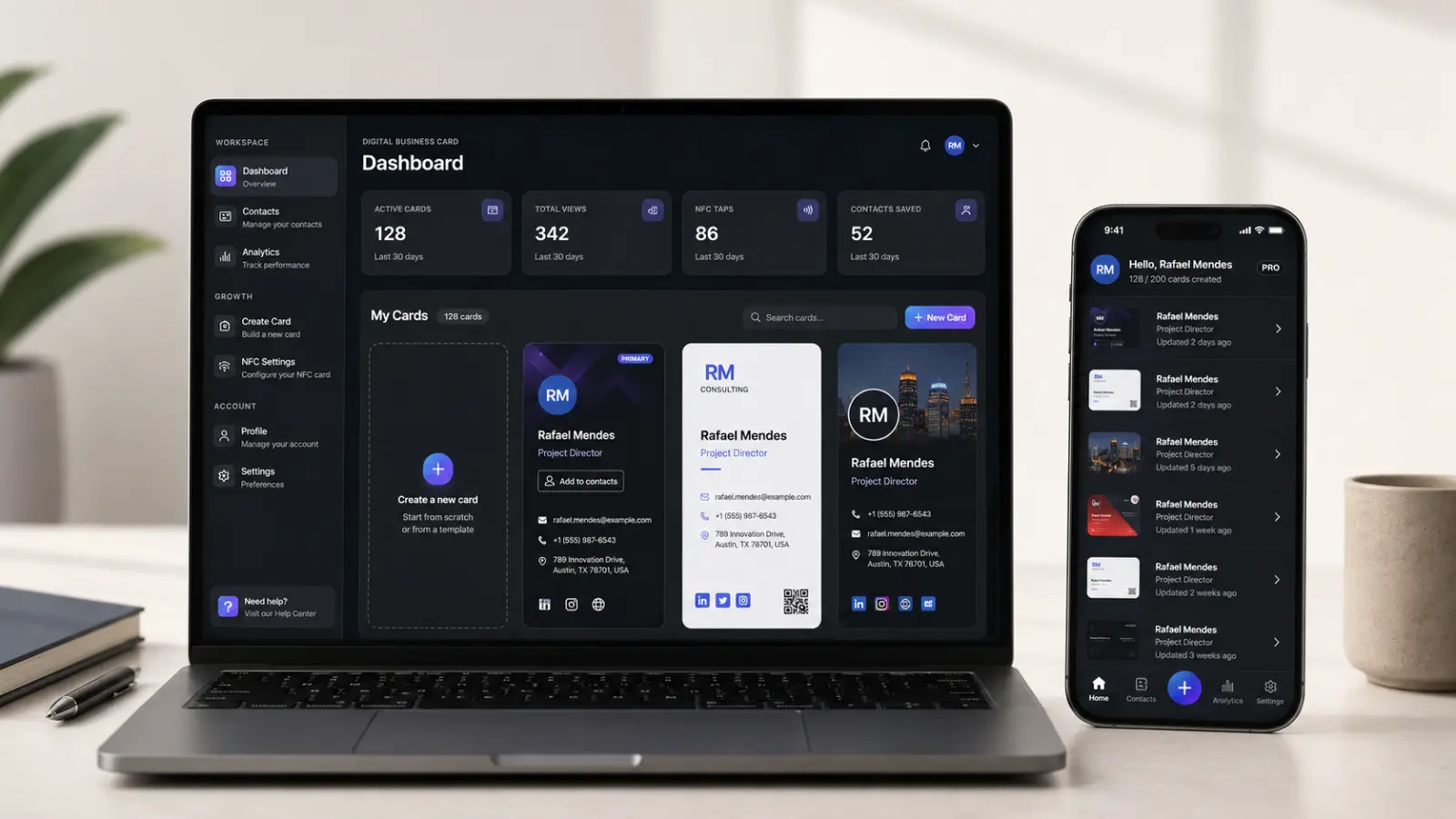
In an era where digital connectivity is the epicenter of networking and business, your business card is much more than a piece of paper with contact information. It has become a portal to a world of opportunities. And when the business landscape is in cyberspace, it is essential that your networking tools are up to par with this constantly evolving environment. That's where ClickCard comes into the picture.
ClickCard is much more than a digital business card platform; It's a revolution in the way you share your professional information and connect with people around the world. In our blogpost today, we will delve into the world of social media and its critical importance for modern networking. Additionally, we will explore the incredible tools that ClickCard makes available to you, allowing you to optimize your networking, whether you are an entrepreneur, self-employed professional, or someone looking for professional opportunities.
Get ready to discover how ClickCard is changing the game and empowering you to build more meaningful and effective professional relationships in the digital age!
Let's go!
How to create a digital business card
This step-by-step guide will show you how to create your perfect digital business card in the ClickCard app ( Android or iOS ), highlighting the crucial steps to personalizing your card and making a great first impression.
Step 1: Choosing the Perfect Model
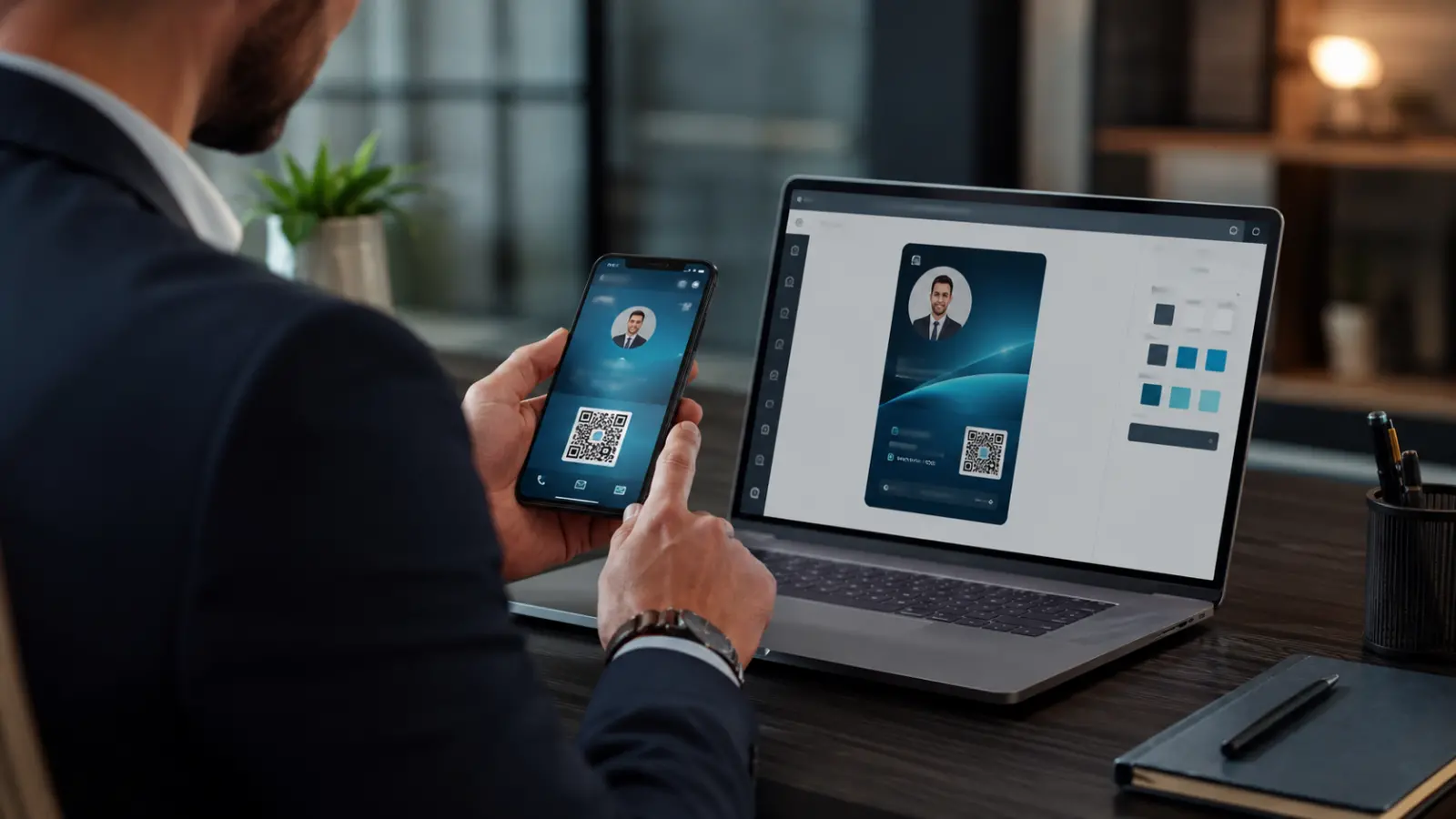
The first step is to choose a digital business card template from the ClickCard library. Select one that aligns with your brand and personality. These templates are highly editable, allowing you to add your own photo, logo, and contact information.
Step 2: Full Customization
ClickCard offers a range of options for customization. Insert your professional photo for a more personal and memorable approach. Add your logo to increase your brand visibility. Customize contact information including name, title, phone number, email address, and website.
Step 3: Add Your Social Networks
One of ClickCard's most impressive features is its ability to integrate social networks. Add direct links to your accounts on networks like LinkedIn, Twitter, Instagram and more. This makes it easy to instantly connect and expand your online presence.
Step 4: Final Touch with the Background
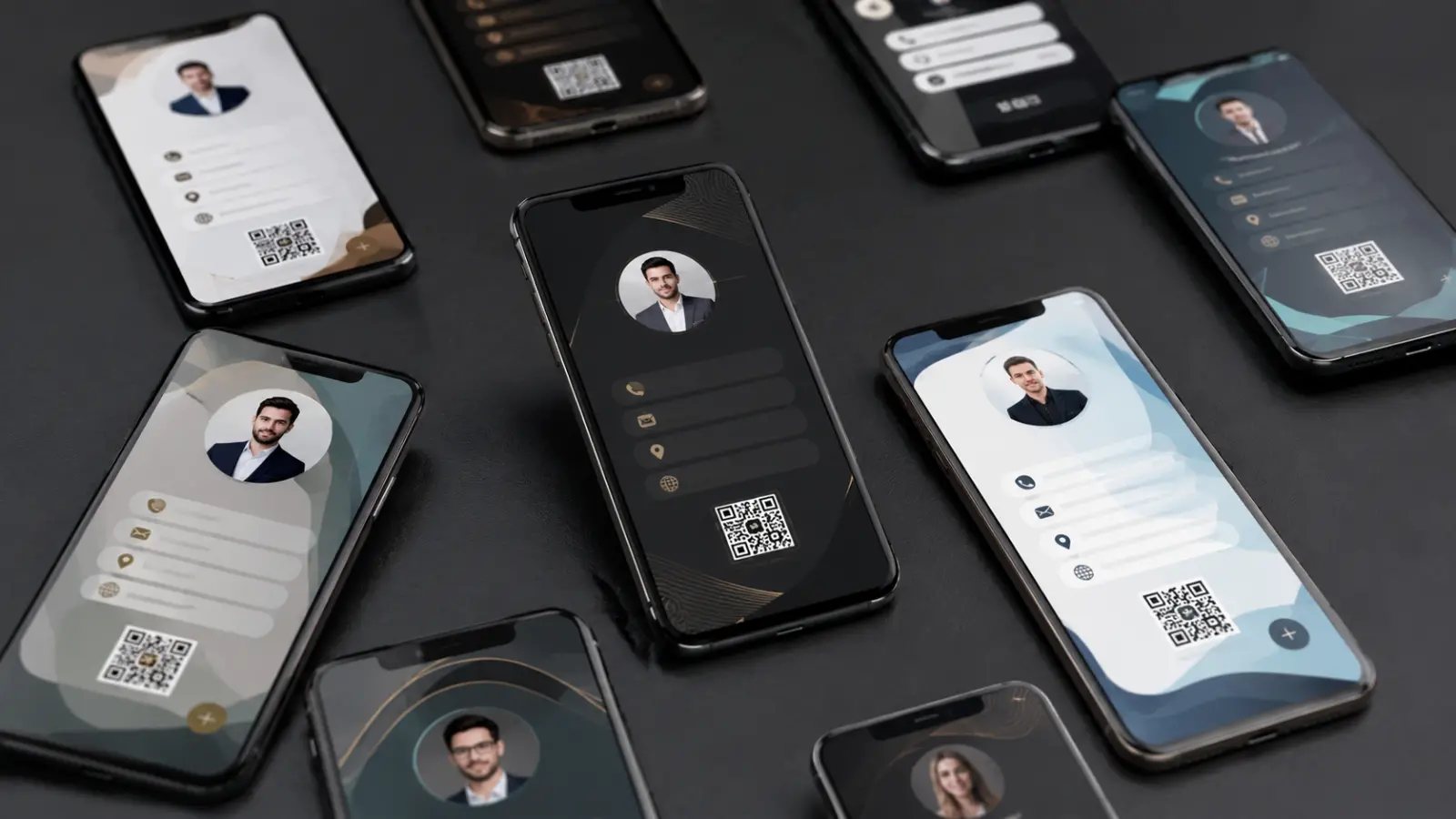
The background is the screen where all your professional details are displayed. Choose from multiple background options, including colors, images, and patterns. This ensures that your digital business card is visually appealing and uniquely reflects your brand.
Step 5: Review and Save
After customizing all the elements of your digital business card, it's time to carefully review it. Make sure all information is correct and the appearance is attractive. After checking, save your card.
Step 6: Simple Sharing
Now that you've created your perfect digital business card, ClickCard makes sharing easy. Create a personalized QR Code so people can scan and save their information to their device instantly. Additionally, you can generate a custom link to share via email, message or social media.
For more details, visit more blogposts about our app!

Sharing via QR Code and personalized link
In an era where online connectivity is critical, ClickCard offers powerful tools to make sharing your digital business card more efficient and impactful. Now let's explore how ClickCard simplifies sharing using QR Codes and customizable links, and how you can use them to expand your social media presence.
QR Code
With ClickCard, sharing your digital business card is as easy as pointing and scanning. The platform generates a unique QR Code for your business card , which can be printed on promotional materials, added to your website, or even displayed in a presentation. Interested people can simply scan the code with their mobile device and save their contact information instantly.
Using QR Codes on Social Media: A smart way to take advantage of QR Codes is to share them on your social networks. Include the QR Code of your digital business card in your profiles and posts. If someone follows you or visits your profile, they can scan the code to get your contact information, making the connection process faster and more convenient.
Customizable Link
ClickCard allows you to generate a personalized link for your digital business card. This link can be easily shared via email, messaging or social media, allowing people to access your card with ease. Additionally, you can personalize the link with your name, brand, or anything that identifies you.
Using Customizable Links on Social Media: Sharing your customizable link on social media is an effective way to drive traffic to your digital business card. Post the link in your posts or stories, invite your followers to explore your contact information and learn more about you. It's a simple way to consolidate your online presence.
Interactive PDF
Interactive PDF is one of the most versatile and effective ways to share your ClickCard digital business card. ClickCard allows you to easily create an interactive PDF that includes not only your contact information, but also links to your social networks and even multimedia content such as videos and image galleries.
Online Connections: By sharing an interactive PDF on social media, you are providing your contacts with a rich experience. They can explore your digital business card in an engaging way and interact with your information more fully.
Personal Connections: When you meet someone in person, you can simply send the interactive PDF via email or text, allowing them to have all the information they need to connect with you in the digital world.
NFC Card
O NFC card is a cutting-edge technology that allows people to instantly access their digital business card when they touch their smartphone to their physical card.
Online Connections: By sharing your NFC card on social media, you can highlight this innovation. You can create posts that show how simple it is to connect with you digitally with a single tap.
Personal Connections: When meeting someone in person, simply touch your smartphones to instantly share your digital business card. It's an elegant and technological way to create immediate professional connections.
Techniques for Engagement on Social Media
Initially you need to know your audience: gender, age group, etc. Furthermore, one of the most important pieces of information is knowing the personas that exist among your audience, the types of personalities that your company and its content attract. From there you will be able to discern which social network you should use to communicate and interact with the public.
1. Facebook
Facebook 's audience is older and text is valued more than images, but not using them would be foolish. While on Instagram the photograph is more valuable than the caption, Facebook values text more, but that doesn't mean you should stop using one of the two. Both play a fundamental role in attracting the user to the publication.
Furthermore, most Facebook users use it for professional purposes, so content that provides information that can add to the user's daily life is always welcome.
2. Instagram
Everyone uses Instagram today, but the most active audience on Insta are young people and they communicate through images, which is a bigger challenge for companies. It is through the media that you will draw your audience's attention and it is considered a mission completed when this leads them to read the content of the caption, which should not be too extensive.
Other than that, Instagram has a range of possibilities for interactions through stories through polls, question boxes and tests. You can also use these tools to research your followers' opinions. It is also a target for lives and workshops if you are interested in holding a special event or inviting them to one. Photo and video content attracts a lot of Instagram audiences.
There is also the possibility of using influencers to bring more people to your profile, but you should not saturate your followers with advertisements. In addition to using advertising rarely, you must do it in an interesting way and not in a superficial way so as not to run the risk of losing followers.
3. LinkedIn
Linkedin 's audience is a little similar to Facebook's, the difference is that it has a particular interest: professionalism. These are people who are interested in job openings or people who are employing. One circle of people look for learning and the other teaches, you can achieve both, but what they are both looking for is: relevant content.
Constancy and relevance in the post
For good engagement you need a routine. Create a posting schedule and always keep your social network or that of your company busy, in addition to producing content that will be of interest to your audience. But remember not to saturate it. Depending on your audience, filter and understand how much information they can acquire.
Interact with your audience
Remember that your audience is not made up of numbers but of people. Sympathy and empathy are necessary when responding to them so that they have a pleasant experience and to make them feel important to the company. Humanize your social networks, don't talk to your followers as if you were a robot. But how? According to studies on your audience, you can discern whether the language is informal or formal and among other details; Be agile with your responses, don't let your follower's excitement cool down.
Monitor mentions on your social networks
Be aware of who mentions your company or brand in posts and stories / status / fleets . Both to be able to thank and interact with the profile and to preserve a good image and avoid misunderstandings.
Stay up to date with the latest news
Furthermore, always be up to date with the news surrounding the topic the brand addresses, this generates a greater likelihood of interactivity with authentic post ideas. You can also embrace social causes related to the company's themes and further promote the humanization of your profile.
Did you like the tips? Follow our blog for more related content and, if you want, send topic suggestions when you get in touch!
Conclusion
The ability to share your digital business card on social media is critical in building strong relationships and expanding your online presence. By creating connections online, you expand your reach and establish a strong, lasting presence. Social networks are ideal platforms for keeping in touch with co-workers, business partners and clients, and sharing your digital business card is a shortcut to creating a solid and professional bond.
By combining innovative strategies such as QR Codes, customizable links, interactive PDFs and NFC Cards , you are prepared to face the challenges of the digital age. It doesn't matter if you're connecting at a conference, in a coffee shop or through social media; ClickCard makes building professional relationships easier, faster and more effective than ever.
Therefore, don't miss the opportunity to use all the tools available to share your digital business card on social media. By doing so, you'll be at the forefront of networking, harnessing the power of digital connectivity to create strong connections that advance your career and business. ClickCard is here to help build a successful networking future in the digital age.
Download the ClickCard App now and create your digital business card!

Enjoyed this article? Follow us on Google